Streamsteady, October 2026
Your voice can now unmute you on X, the way Voice Activity works on Discord. There is a new dashboard for your Spaces, streaks and milestones, and every page now opens in one tab instead of jumping between them.
Voice Activity Pro
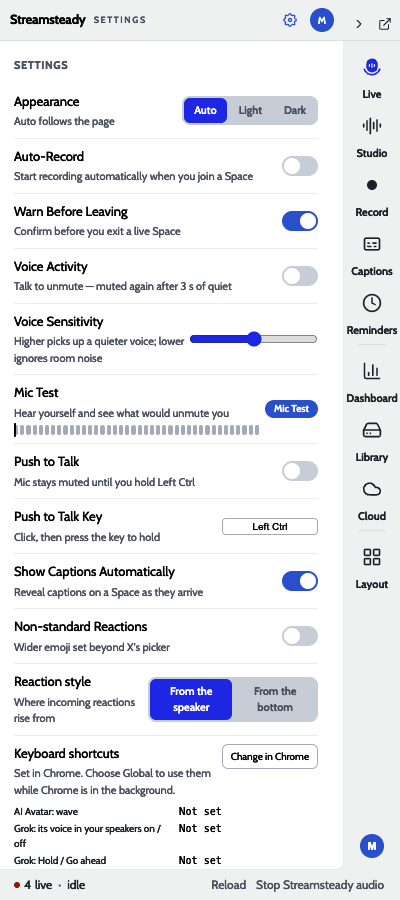
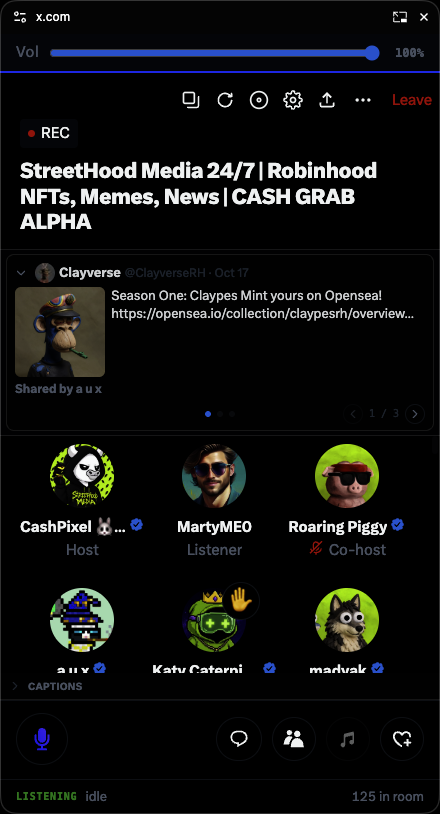
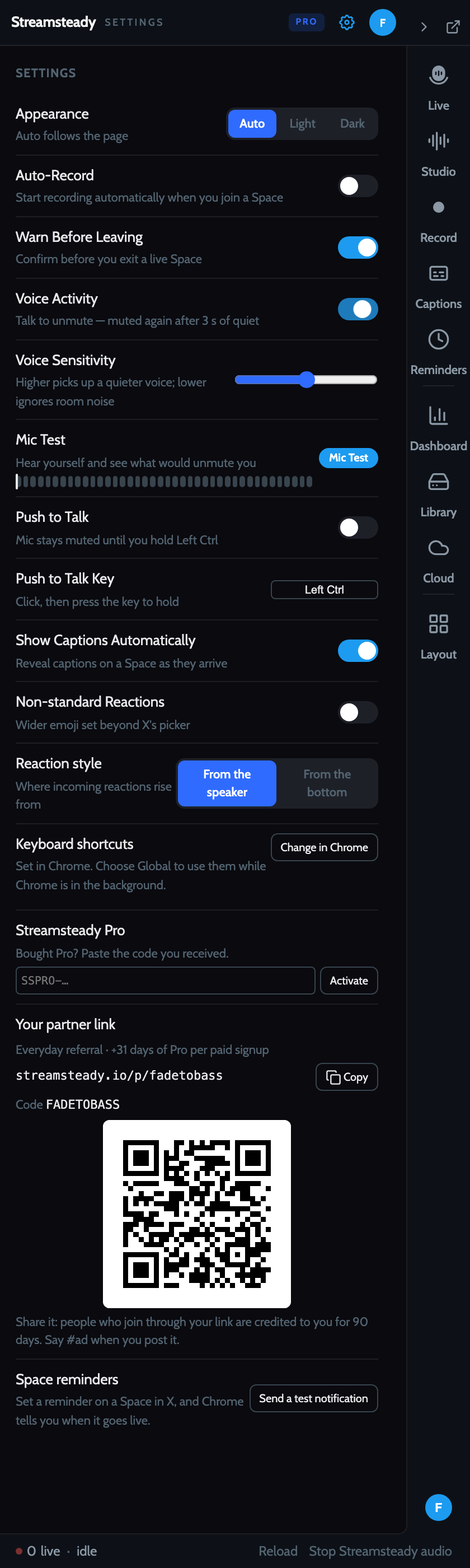
Pressing the mic for every sentence gets old. Turn on Voice Activity in Settings, stay muted on X, and start talking: Streamsteady presses X's own mic for you. After 3 seconds of quiet it mutes you again. Short pauses between sentences are silenced instantly, so the room never hears your keyboard.
- It hears speech, not noise. A speech model decides whether a sound is talking before it opens your mic, the same idea as Discord's Krisp detection. Typing, music and a barking dog stay out.
- It never fights the host. If the host mutes you, Voice Activity stands down until you unmute yourself. If you mute yourself, it comes back after a moment of quiet.
- It works in the background. The x.com tab can sit behind the PiP and Voice Activity still reacts within a word.
- One mode at a time. Turning on Voice Activity turns off Push to Talk, and the other way round.
How well the speech model separates voice from noise
We ran the speech model on three clips. The marker shows the 0.5 score where the mic opens.
| Clip | Highest score | Frames scored as speech | |
|---|---|---|---|
| Silence | 0.04 | 0% | |
| Loud 400 Hz tone | 0.23 | 0% | |
| A spoken sentence | 1.00 | 91% |
A loudness-only gate would open on that tone. The speech model never does.
Mic Test
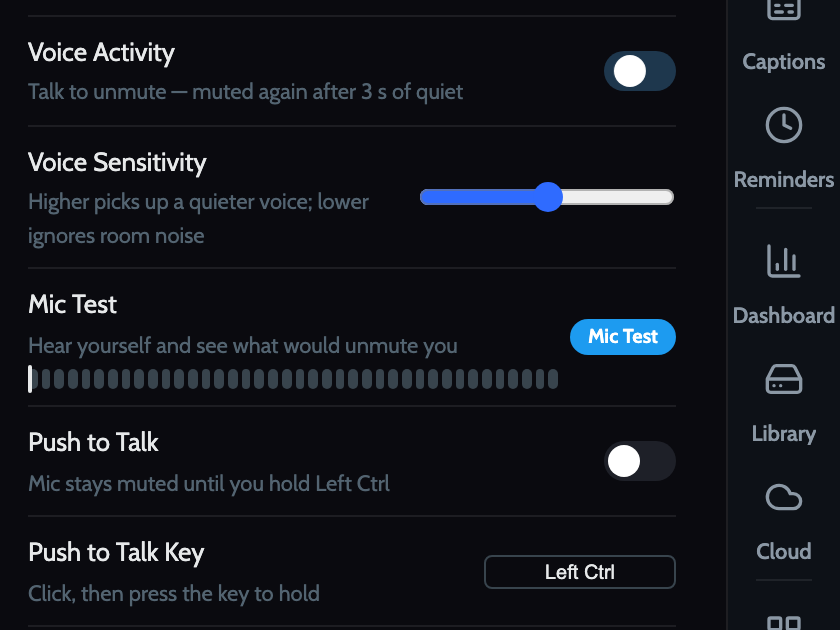
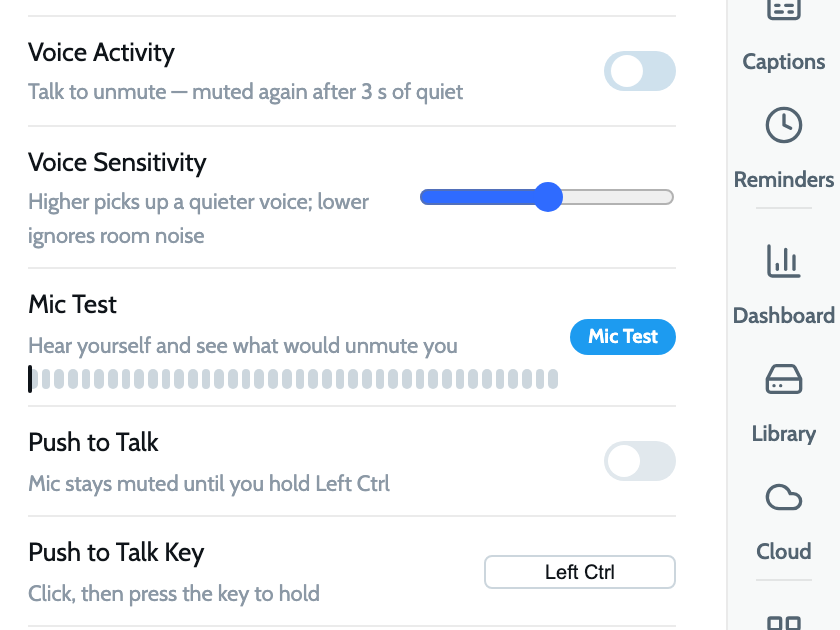
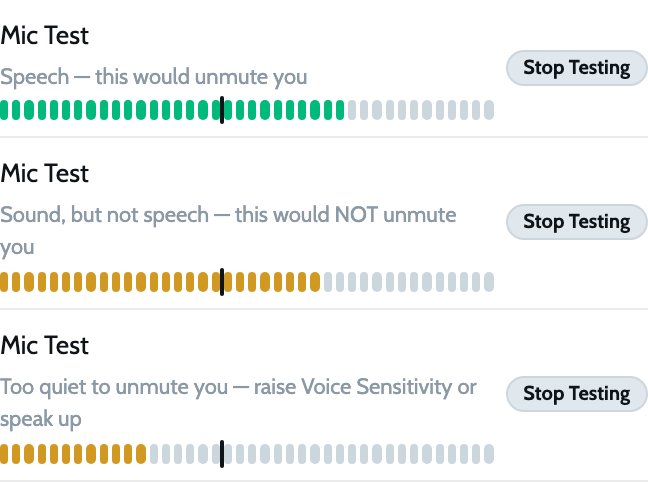
Click Mic Test in Settings, talk, then stay quiet. You hear yourself played back, and a row of bars shows your level against the line Voice Activity uses. Discord's version stops there. Ours also tells you what the speech model heard: speech that would unmute you, sound that wouldn't, or a voice that's too quiet.
My Dashboard
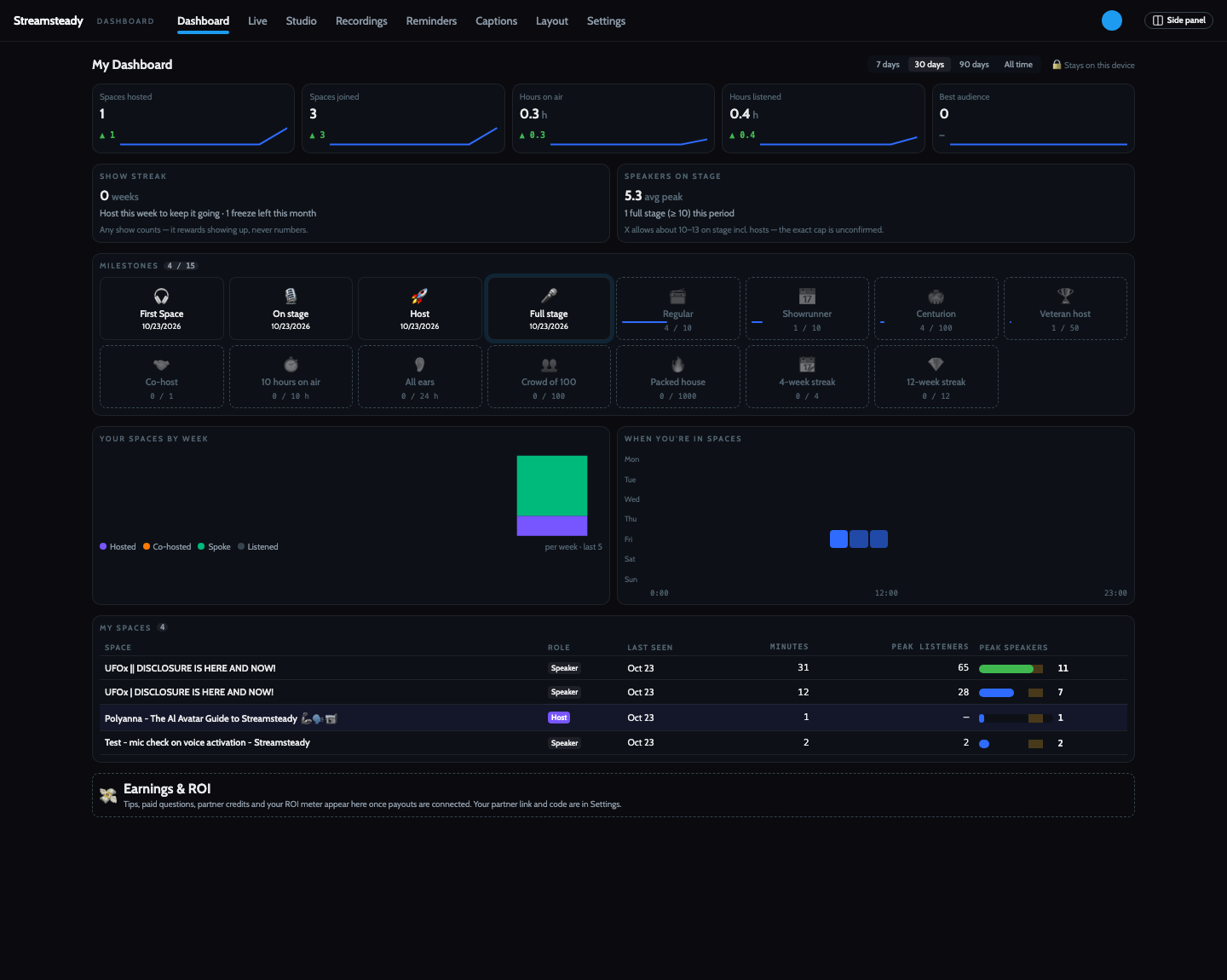
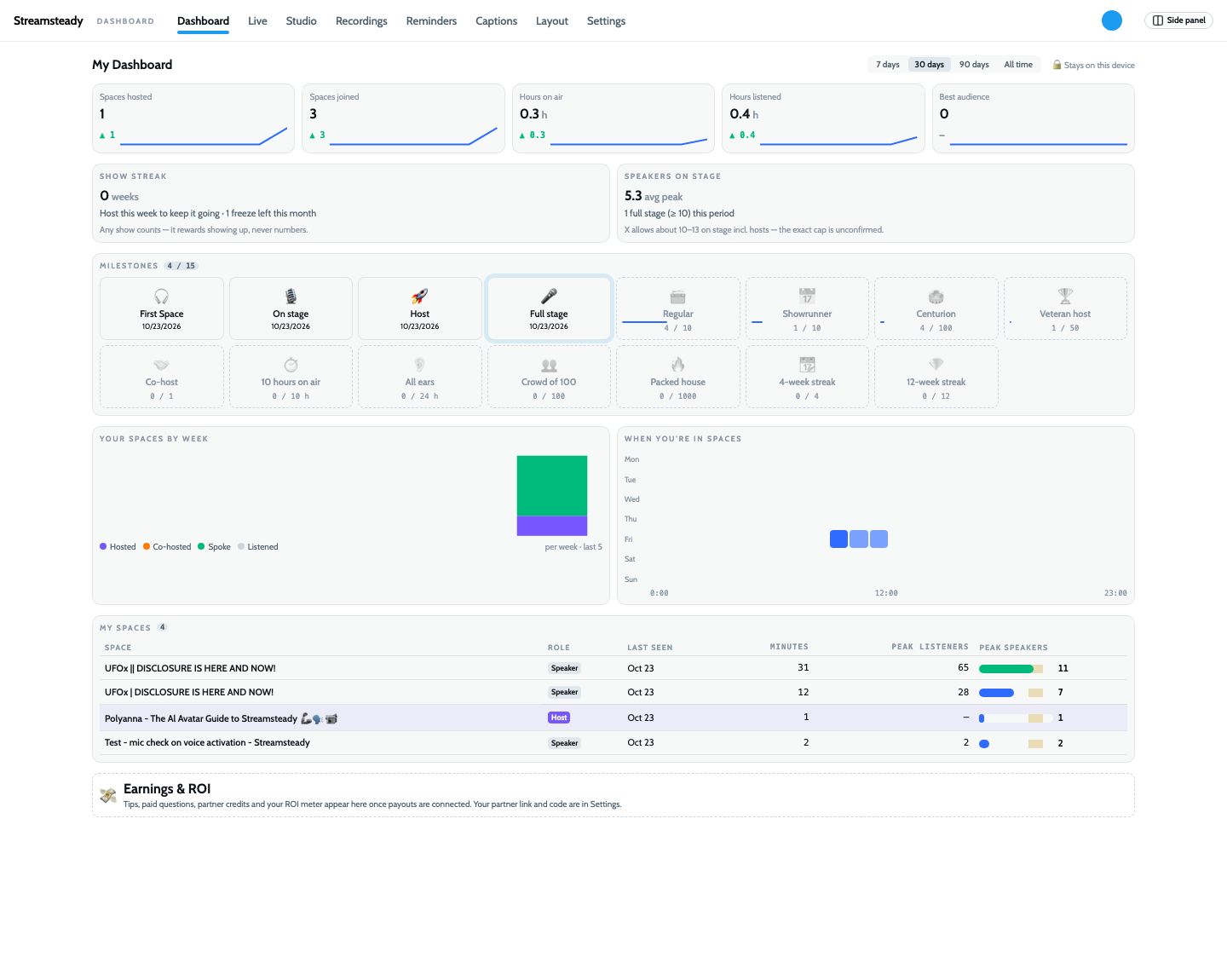
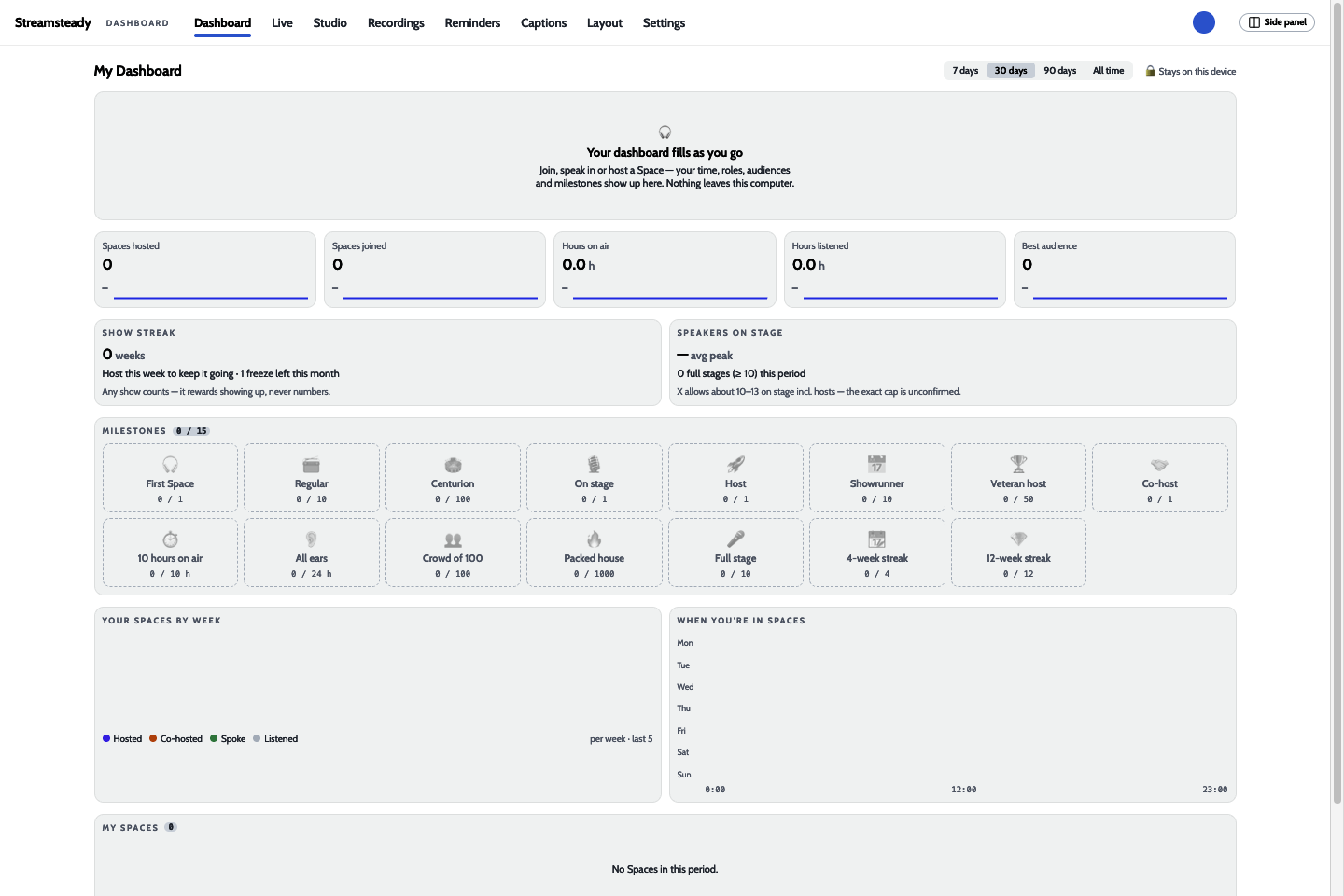
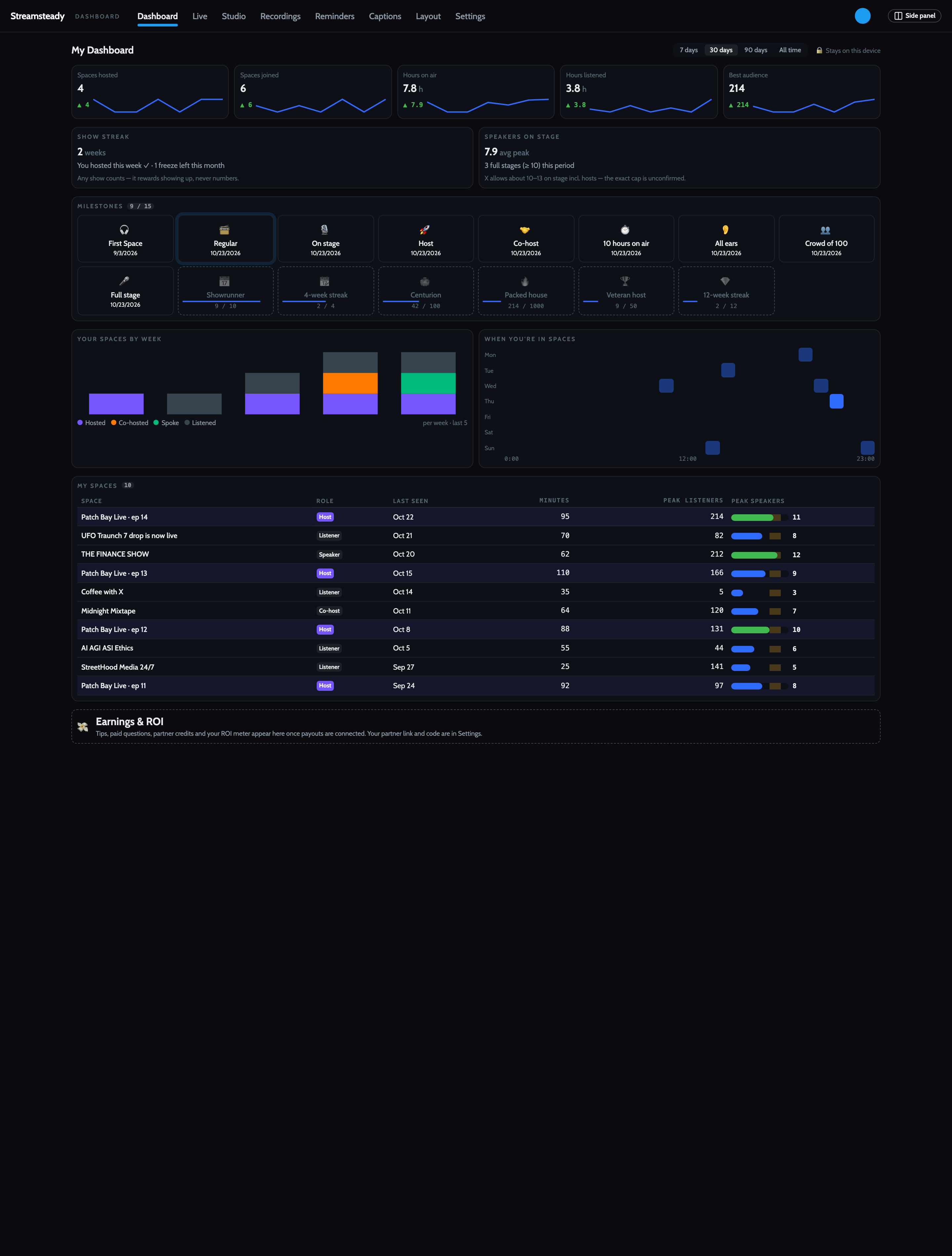
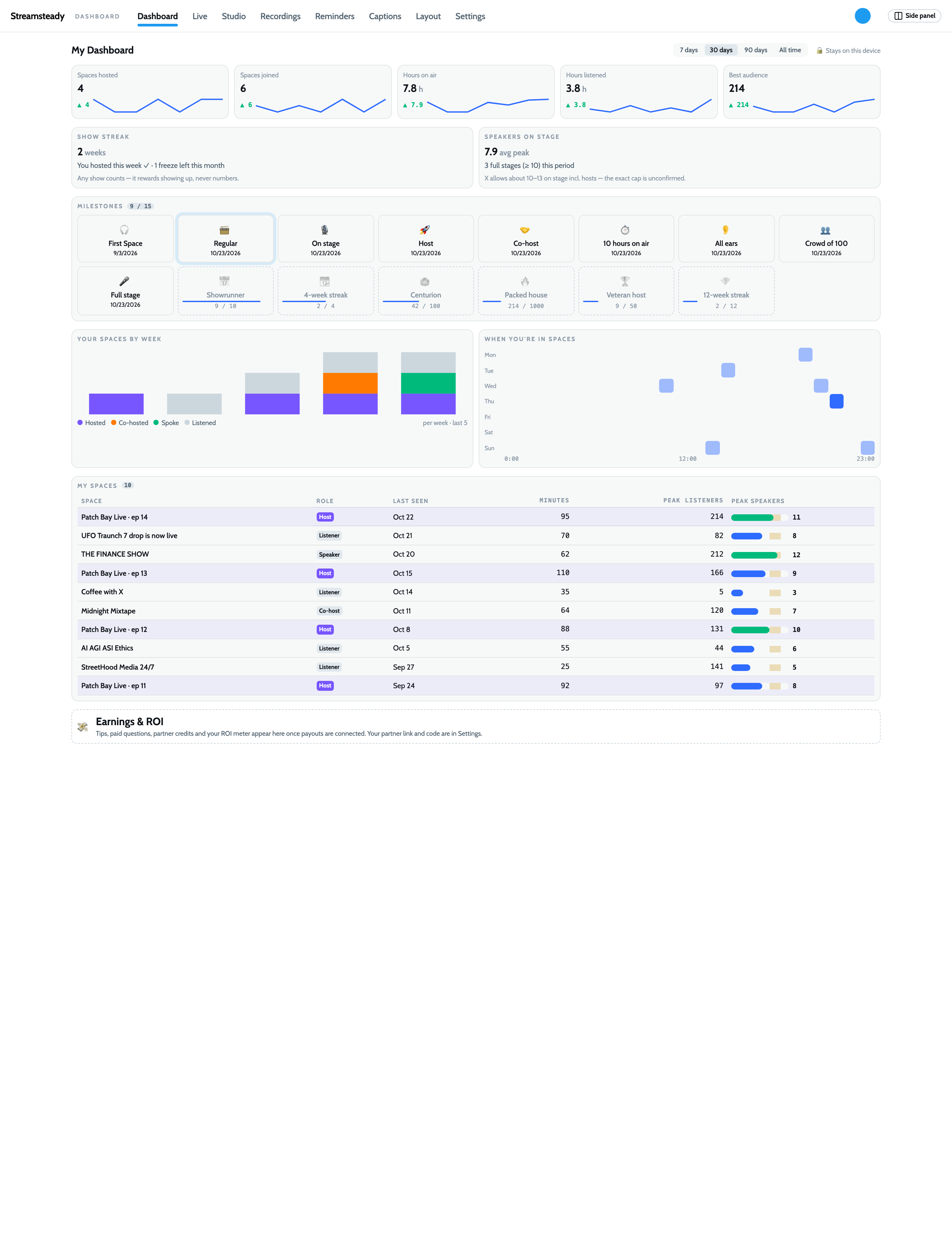
A new page shows how you're doing on X Spaces, for the last 7, 30 or 90 days or all time. Each number shows the change since the previous period and a small trend line.
- Hosted, joined, hours on air, hours listened and best audience, every Space you're in, as any role.
- Show streak: weeks in a row you've hosted, with one freeze a month. It rewards showing up, never audience size.
- Speakers on stage: your average peak and how many Spaces filled the stage, against X's limit of about 10–13 (not yet confirmed).
- 15 milestones, from First Space to a 12-week streak. Locked ones show how close you are, such as "9 / 10".
- When you're in Spaces: a day-by-hour heatmap that helps you pick a time slot.
Everything here is worked out on your computer and never uploaded.
One page for everything
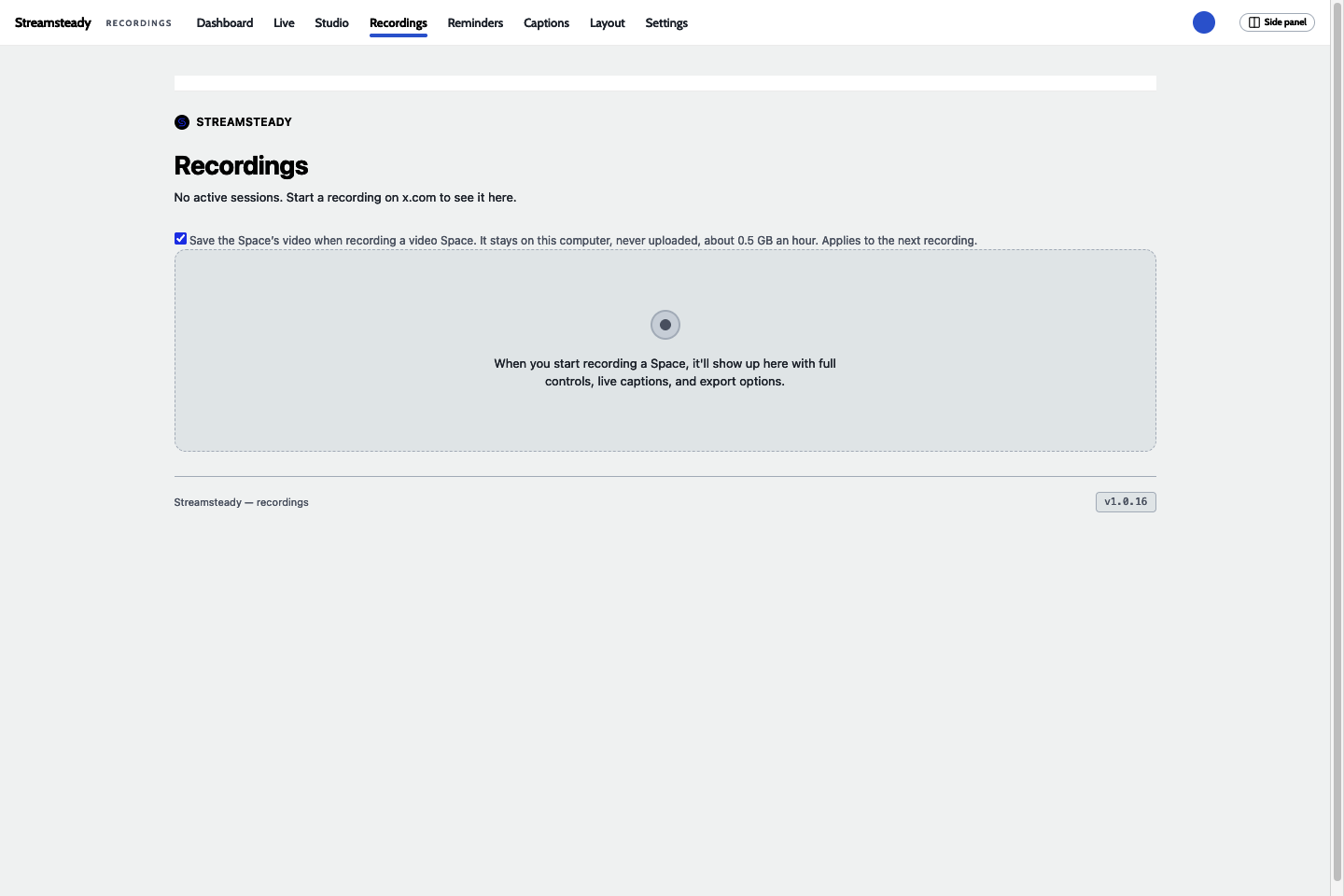
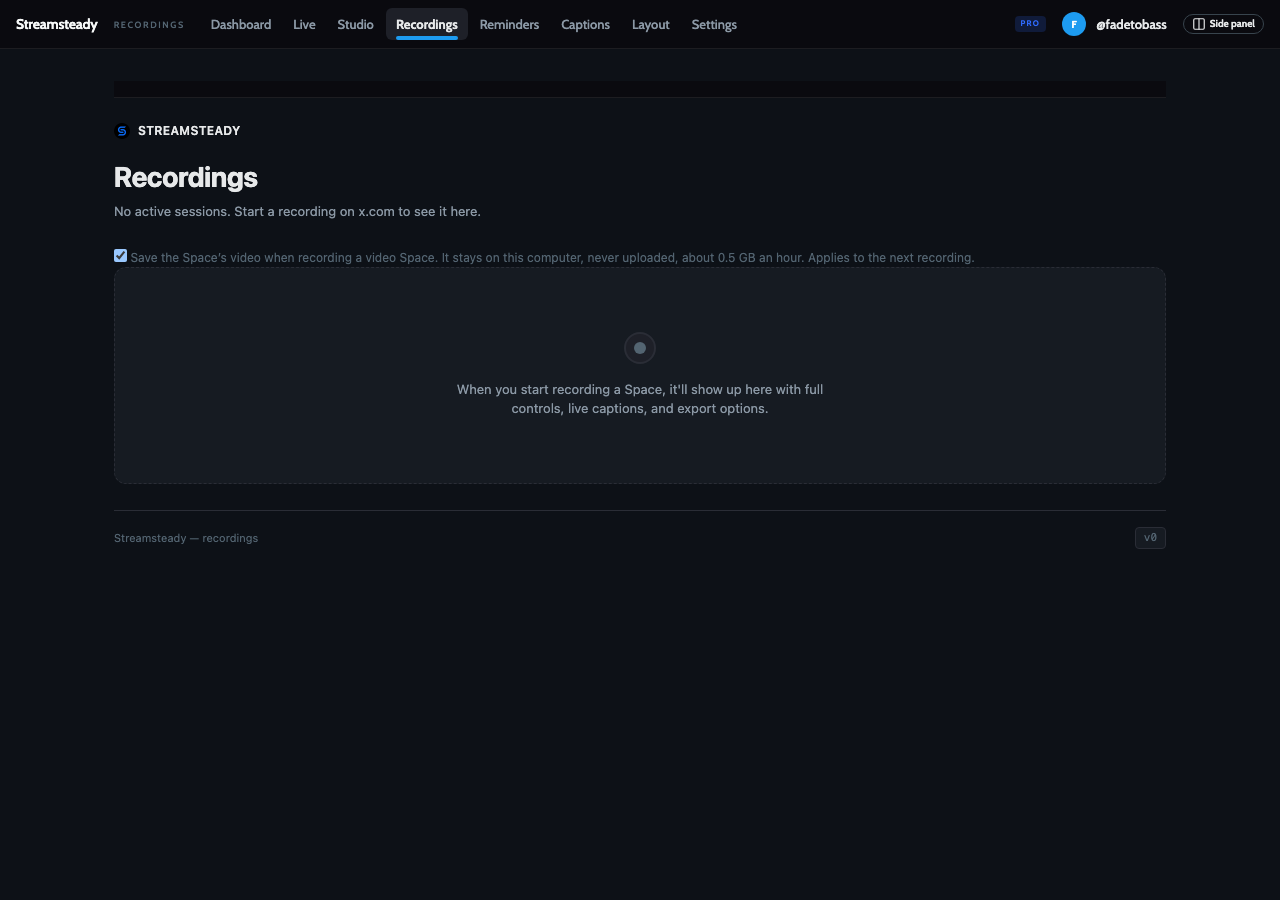
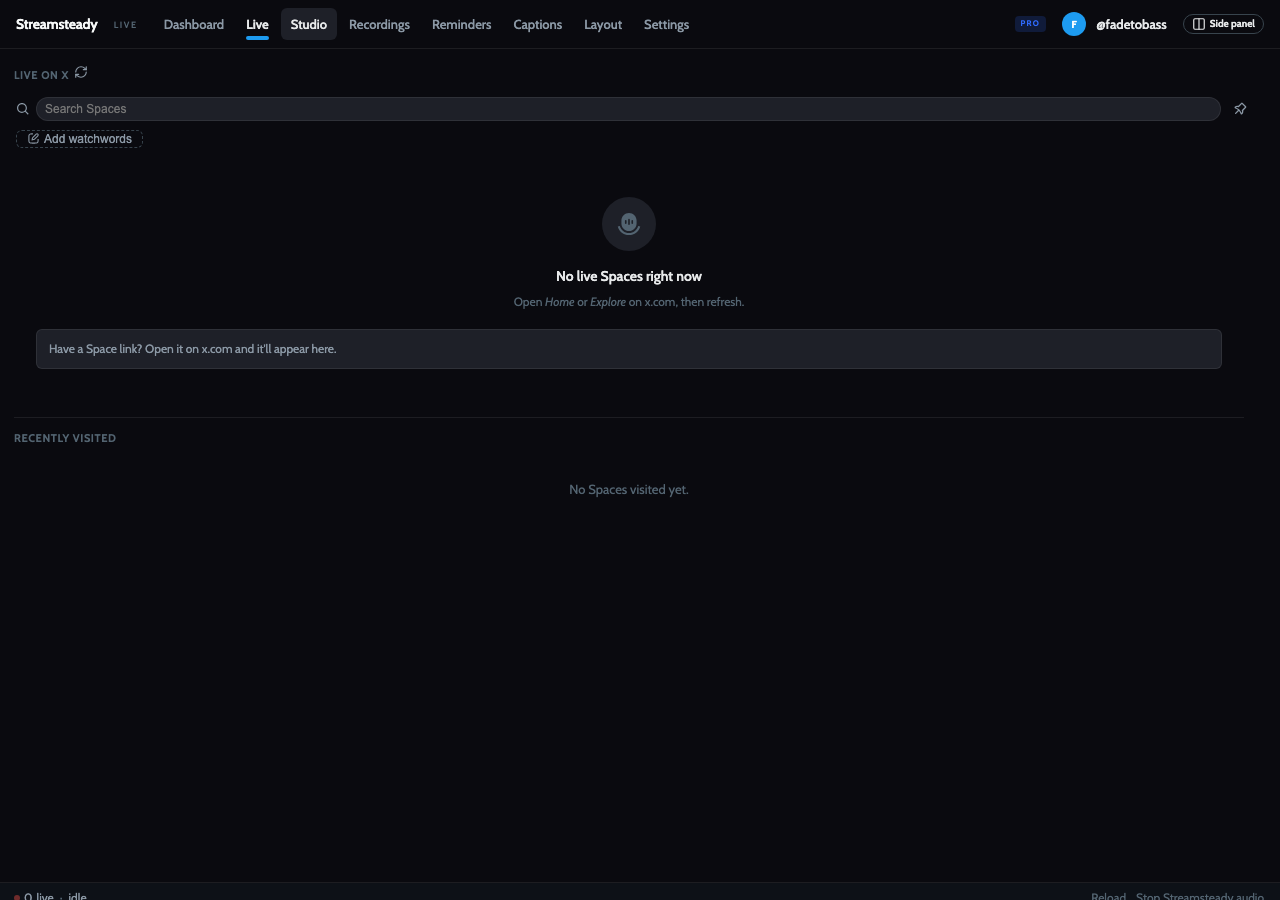
Switching to Recordings used to open a new tab, and the page jumped. Now every item in the top bar (Dashboard, Live, Studio, Recordings, Reminders, Captions, Layout, Settings) opens in the same tab, with no reload. Views you've opened stay loaded, so switching back is instant. The side panel follows each click to the matching view.
The PiP player
Request sent looks like X
A pending speak request now shows X's own green check, with X's "Request sent" tooltip. It used to show a dimmed purple mic.
A ripple on your mic while you're live
The mic button carries the speaker ripple whenever your mic is live, in the new default: the Original style with a stronger glow and ring.

One Space at a time
The PiP could show one Space's title over another Space's speakers when X's own dock was playing a second Space. Each roster is now tied to its Space, so that can't happen.
Side panel
- Dashboard in the rail, above Library and Cloud.
- Settings in the header: the gear now sits next to your avatar.
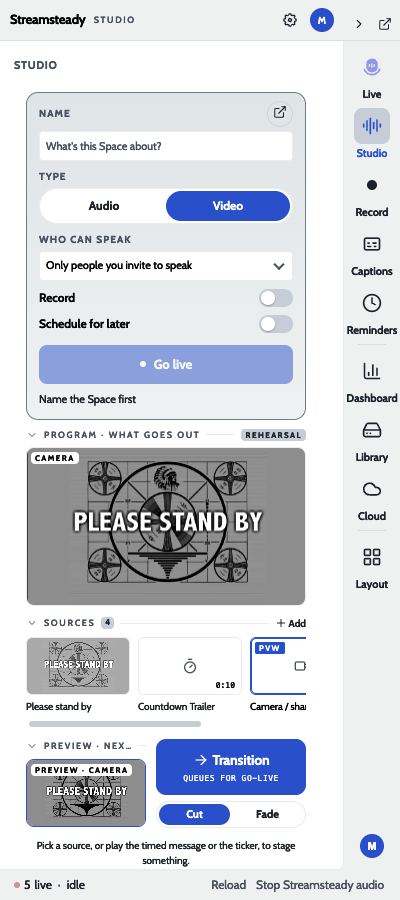
- Previous Space names: the Studio's Name field has a ▾ that lists names you've used and Spaces you've hosted.
- Reload does the whole job: it reloads Streamsteady and then your x.com pages, so there's no second refresh.
- A shortcut to mute and unmute: bind "Mute / unmute your mic in the Space" at
chrome://extensions/shortcutsand set it to Global.

Fixes
- Feed videos keep the volume you set. While a Space played, turning up a video in your X timeline snapped back to muted within half a second. Now your choice sticks.
- Joining no longer turns anonymous on its own. One anonymous listen earlier in the day could mark later Spaces as anonymous too. Now your choice applies only to the Space you made it in.
- Non-standard reactions send from everywhere. The extra emoji set now sends from the lozenge and the popup as well as the PiP.
- The ripple settings row no longer overlaps in a narrow PiP.
Live on X, on a test account
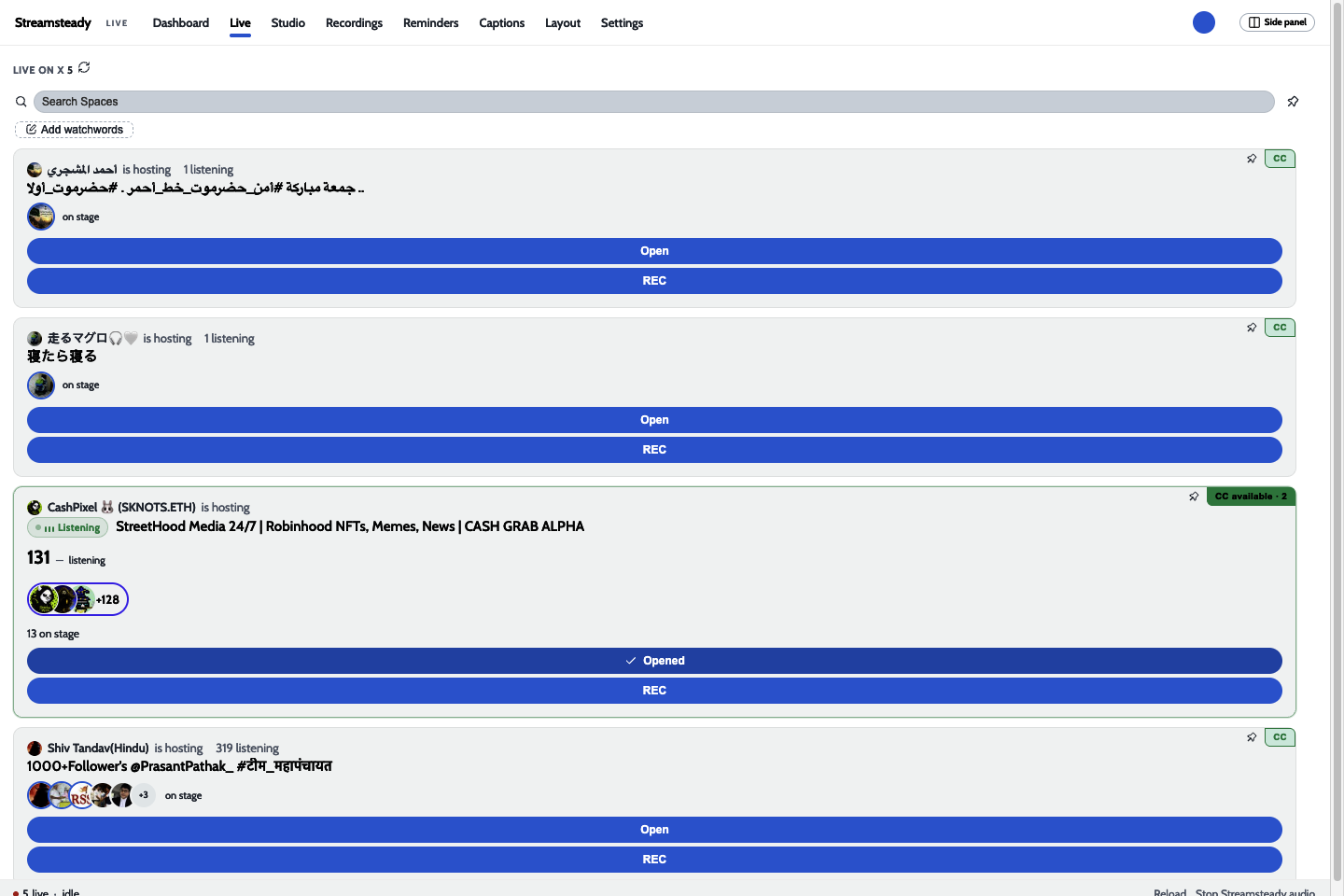
Captured live on build dcc6db51 while listening to a public Space as @MartyME0. The dashboard starts empty and fills in as you join, speak and host.